
On this page (2 sections)
The Claude + n8n Screenshot-to-Workflow Playbook shows how DevCommX uses Claude and n8n to convert screenshots, UI flows, or diagrams into fully functioning automation workflows almost instantly.
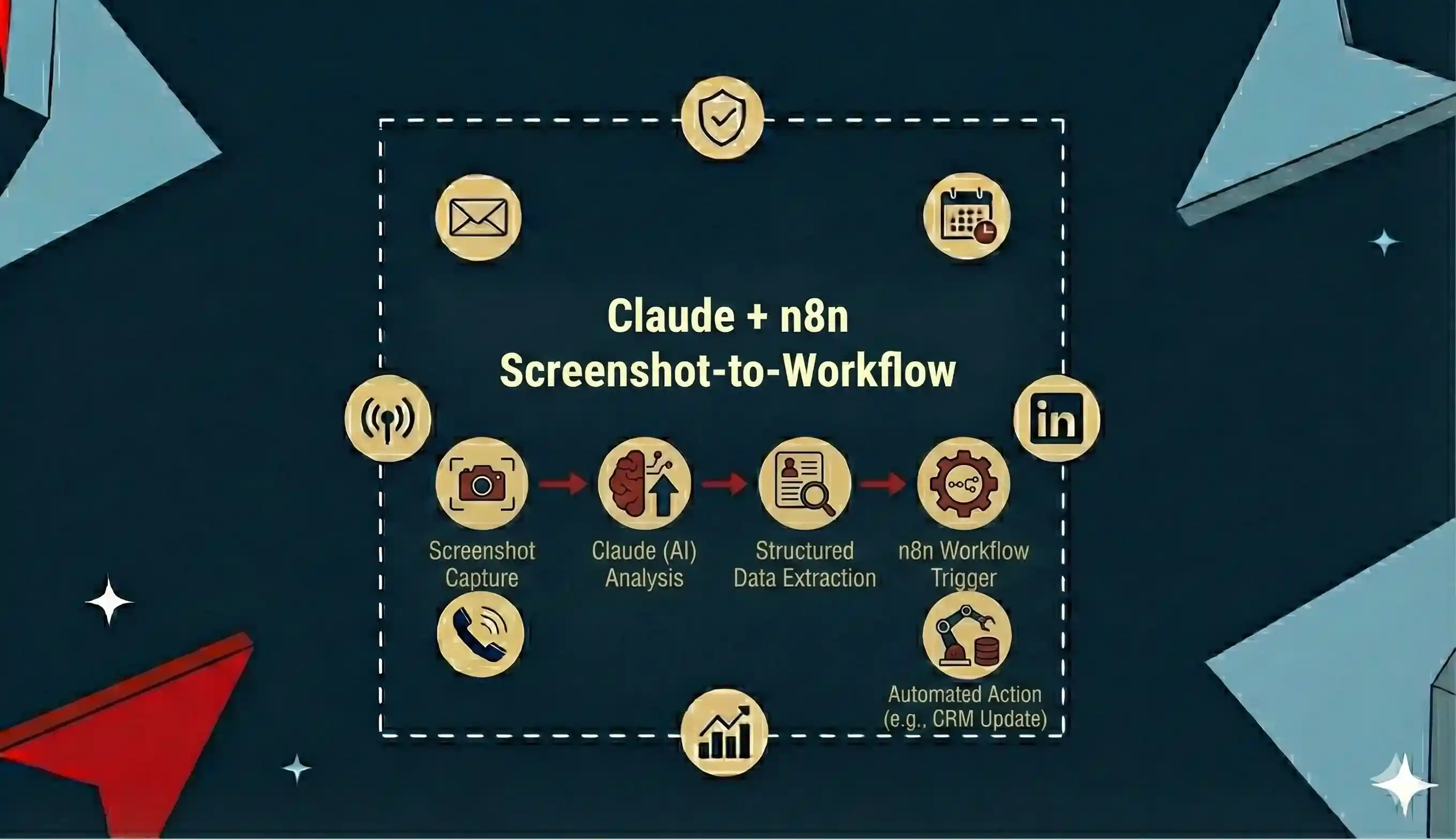
This playbook breaks down how visual inputs become production-ready workflows.
Inside the playbook, you’ll learn how to:
- Use Claude to interpret screenshots and UI flows
- Convert visual logic into n8n automation workflows
- Generate nodes, triggers, and logic automatically
- Reduce automation build time from hours to minutes
- Validate and deploy workflows safely
- Apply this method across GTM, ops, and RevOps use cases
All workflows are production-tested and designed for rapid automation creation without manual complexity.
Why This Playbook Matters
Automation speed is now a competitive advantage.
Manual workflow building slows teams down even with no-code tools.
The screenshot-to-workflow approach focuses on:
- Visual-first automation design
- AI interpretation instead of manual mapping
- Faster iteration and experimentation
- Reduced automation errors and setup time
This playbook helps teams build automation systems faster than traditional no-code methods.
Who this playbook is for
- GTM and RevOps
- Founders building
- Automation setup
- n8n at scale
If building automations feels slow or repetitive, this playbook shows how to let AI do the heavy lifting.
Book a free 30-minute GTM audit. You leave with a prioritised plan either way.